
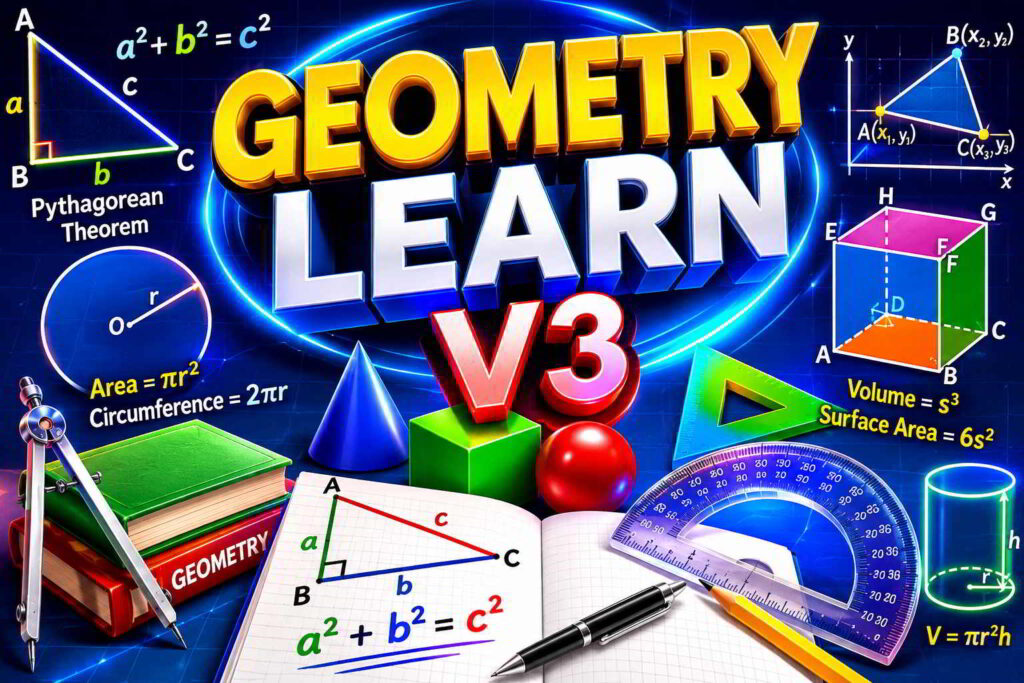
Geometry Learn V3 : Table of Contents
Geometry Learn V3: The Ultimate Guide to Visual Math Games. 2
Why Traditional Geometry Education Falls Short 2
Getting Started with Geometry Learn V3. 5
Frequently Asked Questions (FAQs) 6
Embracing the Future of Math Education. 6
Geometry Learn V3: The Ultimate Guide to Visual Math Games
Geometry has long been a cornerstone of mathematics education, helping students develop critical skills in spatial reasoning, logical thinking, and problem-solving. However, traditional methods of teaching geometry often rely on static textbook diagrams and rote memorization, which can leave many learners feeling frustrated and disengaged. Enter Geometry Learn V3, a groundbreaking digital platform revolutionizing how we teach and learn geometry through interactive, visual, and gamified tools. This guide will walk you through everything you need to know about Geometry Learn V3, its features, educational benefits, and how it’s transforming the future of mathematics education.
What is Geometry Learn V3?
Geometry Learn V3 is an advanced browser-based educational platform designed to teach spatial mathematics through hands-on interaction and real-time feedback. Unlike static diagrams in textbooks or one-size-fits-all classroom lectures, the platform uses dynamic visual models, interactive tools, and adaptive games to make geometry intuitive and engaging.
With Geometry Learn V3, students can manipulate shapes directly on their screens—dragging, rotating, resizing, and exploring geometric relationships in real time. This approach helps learners develop a deep, visual understanding of concepts like angles, area, volume, and theorems by allowing them to see how changes impact outcomes.
For example, instead of memorizing the formula for the area of a triangle, students can adjust the height and base of a digital triangle and watch as the calculated area updates dynamically. This hands-on approach bridges the gap between abstract math and tangible understanding.
Why Traditional Geometry Education Falls Short
Many students struggle with traditional geometry education because it often focuses on memorization rather than understanding. Let’s explore some common challenges and how Geometry Learn V3 addresses them:
Static Diagrams Don’t Show Movement
In textbooks, diagrams are static. They can’t illustrate how angles change as a shape rotates or how resizing a polygon affects its perimeter and area. Geometry Learn V3 solves this by making shapes fully interactive.
Example: When learning about circles, students can drag the radius outward on the platform and immediately see how the circumference and area adjust. This dynamic feedback builds an intuitive understanding of how formulas like ( C = 2\pi r ) and ( A = \pi r^2 ) work.
Memorization Without Context
Students often memorize formulas without understanding why they work. For instance, they might remember the Pythagorean theorem (( a^2 + b^2 = c^2 )) but struggle to visualize why it’s true. Geometry Learn V3 allows students to test this theorem by manipulating triangles and observing how the lengths of sides relate to each other.
Key Features
The platform is packed with features designed to make learning geometry fun, interactive, and effective. Here are some of its standout tools:
1. Interactive Geometry Visualization
Visualization is at the heart of Geometry Learn V3. Students can experiment with shapes by dragging vertices, resizing polygons, and rotating 3D objects. This tactile learning experience helps students naturally deduce mathematical rules.
Example: When studying parallelograms, learners can adjust the base and height to see how the area remains the same as long as the height is constant, even if the shape is stretched sideways.
2. Step-by-Step Problem Solving
Complex problems are broken down into manageable steps, guiding students through the process from start to finish. This method ensures they understand each stage and builds their confidence in solving problems independently.
Example: When solving for the volume of a cylinder, the platform walks students through identifying the radius and height, selecting the correct formula (( V = \pi r^2 h )), and performing the calculation.
3. Gamified Learning with Geometry Learn V3 Games
The platform features a wide range of games that disguise challenging math problems as fun puzzles. These games include tasks like matching angles, solving coordinate geometry challenges, and rotating 3D shapes.
Example Game: In a level-based game, students must match angles to their correct measurements. As they progress, the angles become more complex, and they must also identify complementary and supplementary pairs.
4. Real-Time Feedback
One of the platform’s most powerful features is its immediate feedback system. When students make a mistake, the platform provides instant explanations, helping them learn from errors on the spot.
Example: If a student incorrectly calculates the perimeter of a rectangle, the platform will highlight the mistake and show step-by-step corrections.
5. Personalized Learning Paths
Geometry Learn V3 adapts to each student’s pace and skill level. The platform identifies areas where a learner is struggling and offers targeted practice to reinforce those concepts.
Example: If a student struggles with coordinate geometry, the system will suggest additional modules and explain concepts using simpler language and visual aids.
Educational Benefits of Geometry Learn V3
The platform is more than just a digital tool—it’s a game-changer in math education. Here’s why:
1. Improved Retention Rates
Interactive, hands-on learning helps students retain information significantly better than passive methods like reading or lectures.
Example: A student who repeatedly rotates a digital cube while calculating its surface area is more likely to remember the formula ( A = 6s^2 ) compared to someone who simply reads about it.
2. Reduced Math Anxiety
Geometry Learn V3 creates a low-pressure learning environment where mistakes are treated as opportunities to learn rather than failures.
Example: A student who struggles with trigonometry can experiment with sine, cosine, and tangent ratios on the platform, building confidence without the fear of getting a poor grade.
3. Real-World Applications
The platform connects math to practical uses like architecture, engineering, and game design, showing students why geometry matters in everyday life.
Example: Learners can simulate designing a bridge or calculating the area of a plot of land, making geometry feel relevant and exciting.
Getting Started with Geometry Learn V3
Ready to dive in? Here’s how to get started:
- Access the Platform: Visit the Geometry Learn V3 website on any browser. The platform is lightweight and requires no downloads, making it accessible on desktops, laptops, and tablets.
- Take the Diagnostic Assessment: Many versions of the platform offer a diagnostic test to evaluate your current understanding and customize your learning path.
- Start with Interactive Modules: Begin with basic concepts like points, lines, and angles before progressing to advanced topics like 3D geometry and proofs.
- Play Geometry Learn V3 Games: Use the games to reinforce concepts in a fun, low-stress environment.
- Review Mistakes: Take advantage of the platform’s real-time feedback to review and learn from errors.
Tips for Success
Maximize your experience with these tips:
- Set Clear Goals: Decide what you want to learn in each session (e.g., mastering the Pythagorean theorem or practicing 3D rotations).
- Focus on Understanding: Don’t just memorize answers—analyze why concepts work.
- Use Games Wisely: Treat them as learning tools, not just entertainment.
- Ask Questions: If something isn’t clear, revisit the module or consult a teacher.
Frequently Asked Questions (FAQs)
Q: Who is Geometry Learn V3 for?
A: The platform is ideal for middle and high school students, though advanced elementary learners and adults can also benefit.
Q: Do I need to install software?
A: No, Geometry Learn V3 is entirely browser-based and works on most devices.
Q: Is it free?
A: Many features are free, but premium options may require a subscription.
Embracing the Future of Math Education
Geometry Learn V3 is redefining how students engage with math, making it accessible, interactive, and fun. By emphasizing visual learning, gamification, and adaptive technology, it empowers learners to build lasting confidence in their geometry skills. Whether you’re a student, teacher, or lifelong learner, Geometry Learn V3 offers a powerful way to master spatial reasoning and mathematical concepts. Open your browser today and discover how easy and enjoyable learning geometry can be!